

.avif)





.avif)

Why Mural should be your sales collaboration software
Mural is an effective tool for sales teams who want to collaborate more efficiently and close deals faster. It helps streamline communication by bringing everyone together in a shared, visual workspace where you can brainstorm, plan, and organize strategies — all in one place. No more endless emails or meetings; just fast, focused collaboration.
With Mural, teams can easily visualize sales processes and next steps, making it simple to stay aligned and adjust strategies on the fly. Everyone stays on the same page whether you’re tracking progress or tweaking a pitch. Plus, it helps break down silos by allowing sales, marketing, and other teams to collaborate and share insights, so you can make smarter, faster decisions and speed up your sales cycle.
Benefits of using Mural for sales team collaboration
- Improved communication: Centralize discussions, feedback, and brainstorming in a single visual workspace, reducing email overload and meeting time.
- Enhanced team alignment: Help sales teams quickly align on strategies, goals, and next steps, ensuring everyone is on the same page.
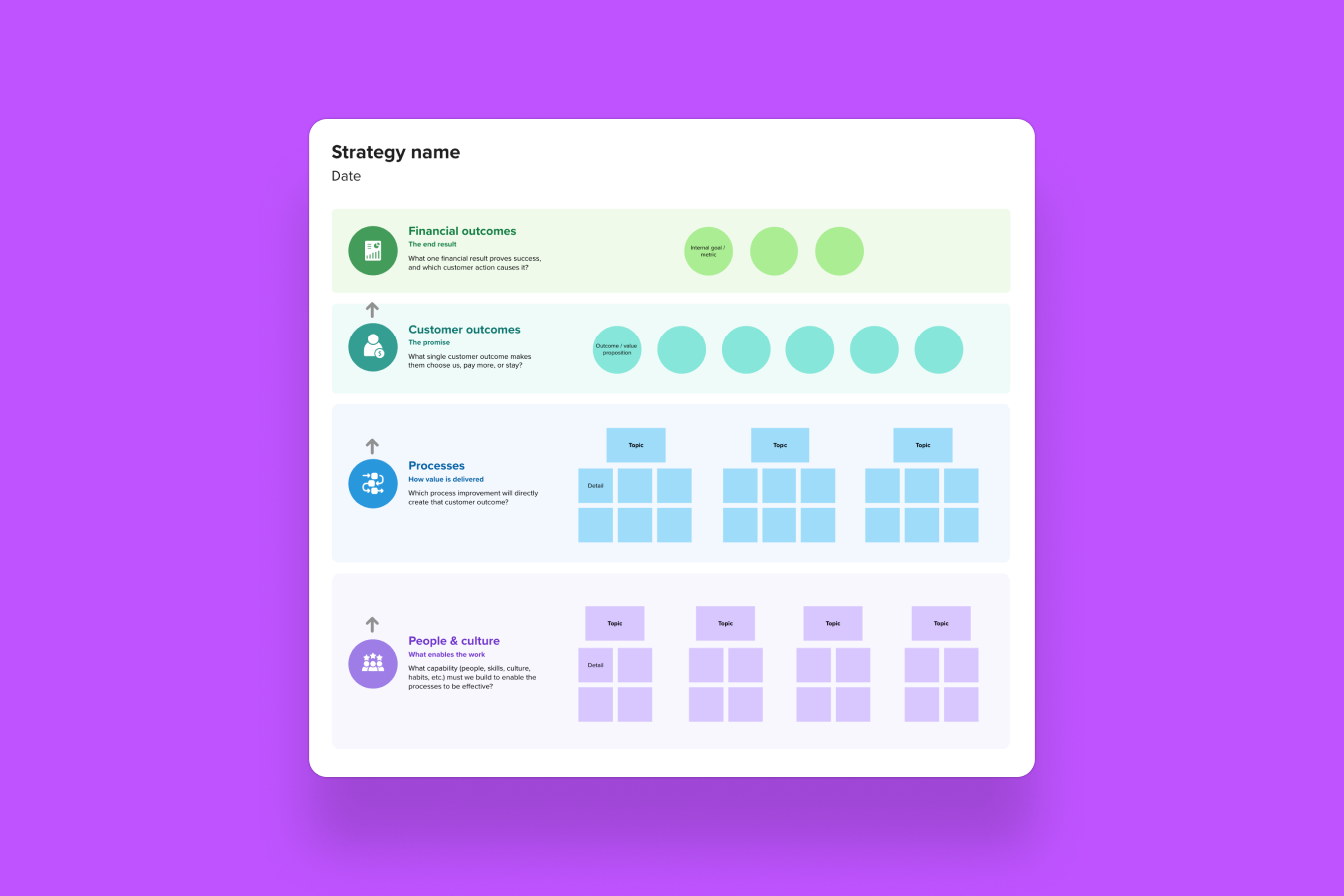
- Visualized sales processes: Choose from ready-to-use templates to map out sales funnels, account information, customer journeys, and key action items for clearer planning and decision-making.
- Faster decision-making: Real-time collaboration allows for quick adjustments and faster pivoting on strategies to efficiently close deals.
- Better cross-functional collaboration: Break down silos by allowing sales, marketing, and other departments to work together, ensuring cohesive messaging and aligned objectives.
- Increased productivity: Reduce time spent on back-and-forth communication and meetings, helping teams stay focused on what matters most — closing deals.
- Accessible anytime, anywhere: Support remote and distributed teams by enabling collaboration from anywhere, so sales reps can work together even when they’re not in the same location.
- Enhanced efficiency through integrations: Easily integrate Mural with other tools your team uses every day like CRM, Asana, Notion, Google Suite, Microsoft Suite, Adobe Suite, and more.
How to handle online sales collaboration challenges with Mural
There’s no shortage of challenges when it comes to sales collaboration — both in sales and cross-functionally. Mural’s features can help connect the dots to build transparency across departments, forecast deals with more accuracy, and — most importantly — create a better experience for the customer.
- Ineffective customer discovery: Poor discovery practices can result in a shallow understanding of the customer. Account and stakeholder mapping help you visualize your clients' needs and key priorities while identifying stakeholder connections to speed up the sales process.
- Lack of real-time collaboration: Sales teams working in isolation often miss out on valuable strategic insights and opportunities to brainstorm together. With Mural, teams can seamlessly collaborate across time zones, whether asynchronously or during live calls, speeding up the sales cycle and ensuring alignment.
- Inefficient communication: A major challenge for sales teams is information is everywhere. Mural boosts productivity by offering a single view of accounts everyone can contribute to while providing visual collaboration tools to optimize the sales process.
- Lack of cross-functional alignment: It’s no surprise that sales and marketing struggle with collaboration. Seamless collaboration between these functions is crucial for delivering a cohesive experience. Mural connects sales, marketing, product, and other teams, by streamlining communication and decision-making. Improved cross-functional collaboration accelerates the sales cycle.
Related: Empowering sales teams to close deals faster with Mural’s collaboration tools
Best practices for driving collaboration in sales with Mural
Account and stakeholder mapping
Account and stakeholder mapping help you clearly visualize your clients, their core needs, and what matters most to them. By identifying key stakeholder connections, you can navigate the sales process more efficiently and close deals faster.
Deep-dive discovery
Using frameworks, like the MEDDIC sales methodology, which enhances sales efficiency, or rose, thorn, & bud, gives reps a structured way to ask insightful questions early on. Use a simple template instead of starting with a blank document next time you're in a discovery session for better results.

Requirements and needs gathering
Adopt a co-creation approach using human-centered design methods. Start with templates like interviewing or walk-a-mile during discovery, then move to tools like experience diagramming or affinity clustering to uncover and understand your customer’s challenges. This collaborative approach helps increase customer involvement and buy-in.

Mutual action plans
Document mutual action plans visually to stay aligned and reach your close date faster. Use features like comments to send reminders to buyers as deadlines approach and keep everyone on track.
Sales enablement and revenue operations
For upcoming sales enablement workshops, digital whiteboards create interactive, engaging learning experiences. You can also improve your revenue team processes with clearer, more visually appealing documentation.
Regularly review and iterate
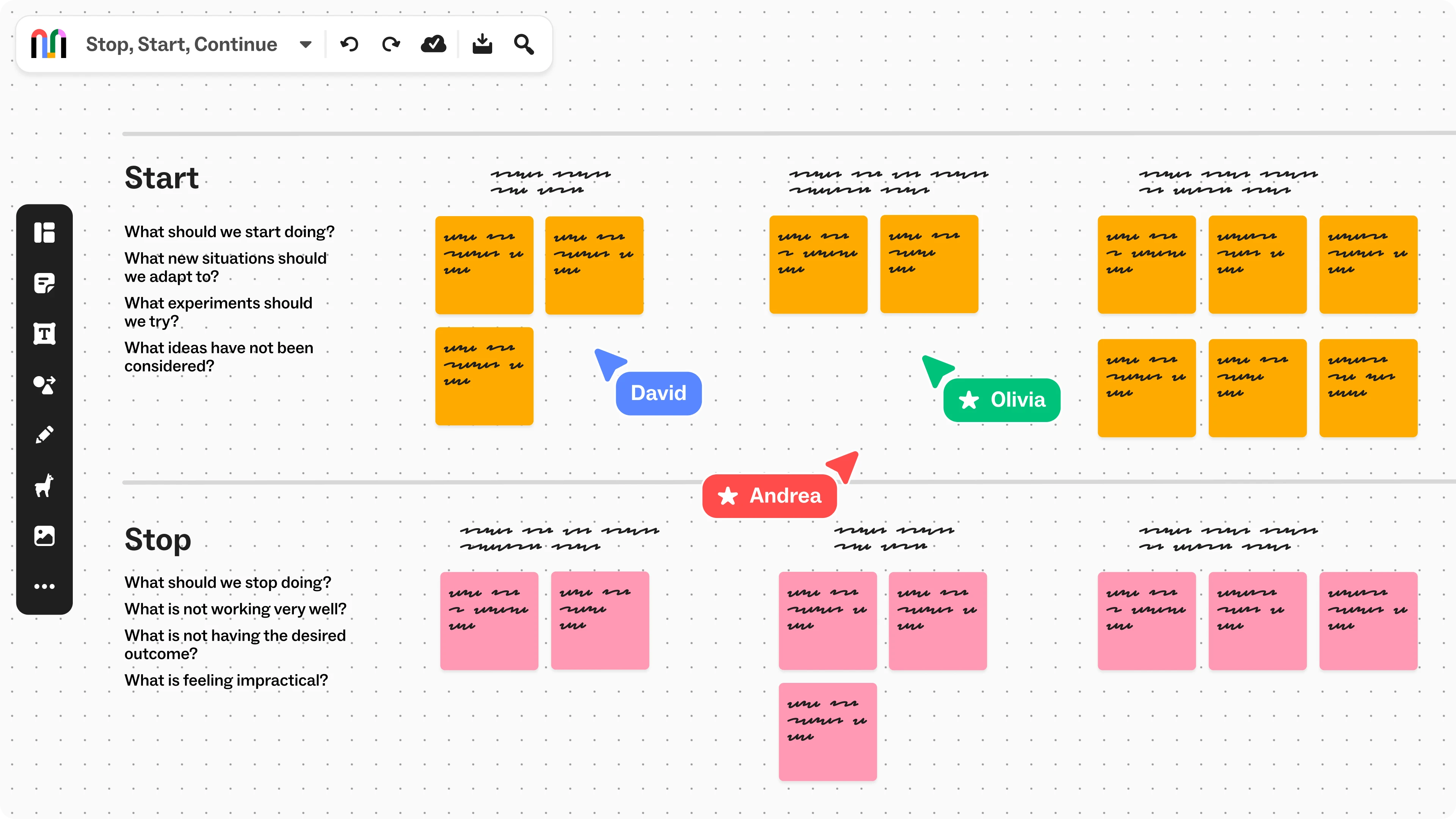
Regularly review and update your Mural boards to reflect any changes in strategy, progress, or client needs. This creates a dynamic, living document that can evolve alongside your sales efforts. You can also use retrospective templates such as the retrospective radar, weekly team retrospective, and stop, start, continue to reflect on specific closed-won or closed-lost deals. Check out how IBM uses Mural to gain actionable feedback on sales strategies.

Team meetings
Save time each week with templates like weekly team meeting, weekly calendar, and SWOT analysis. Ready-made templates streamline planning and execution, letting teams focus on closing deals instead of creating presentations or documents from scratch.
.webp)
.webp)
.webp)