

Mural MCP Server Agents, invited. The visual workspace for MCP-compatible AI agents & tools.
Coming soon: bring the AI agents that know your work into Mural to create, organize, and collaborate visually.


.avif)
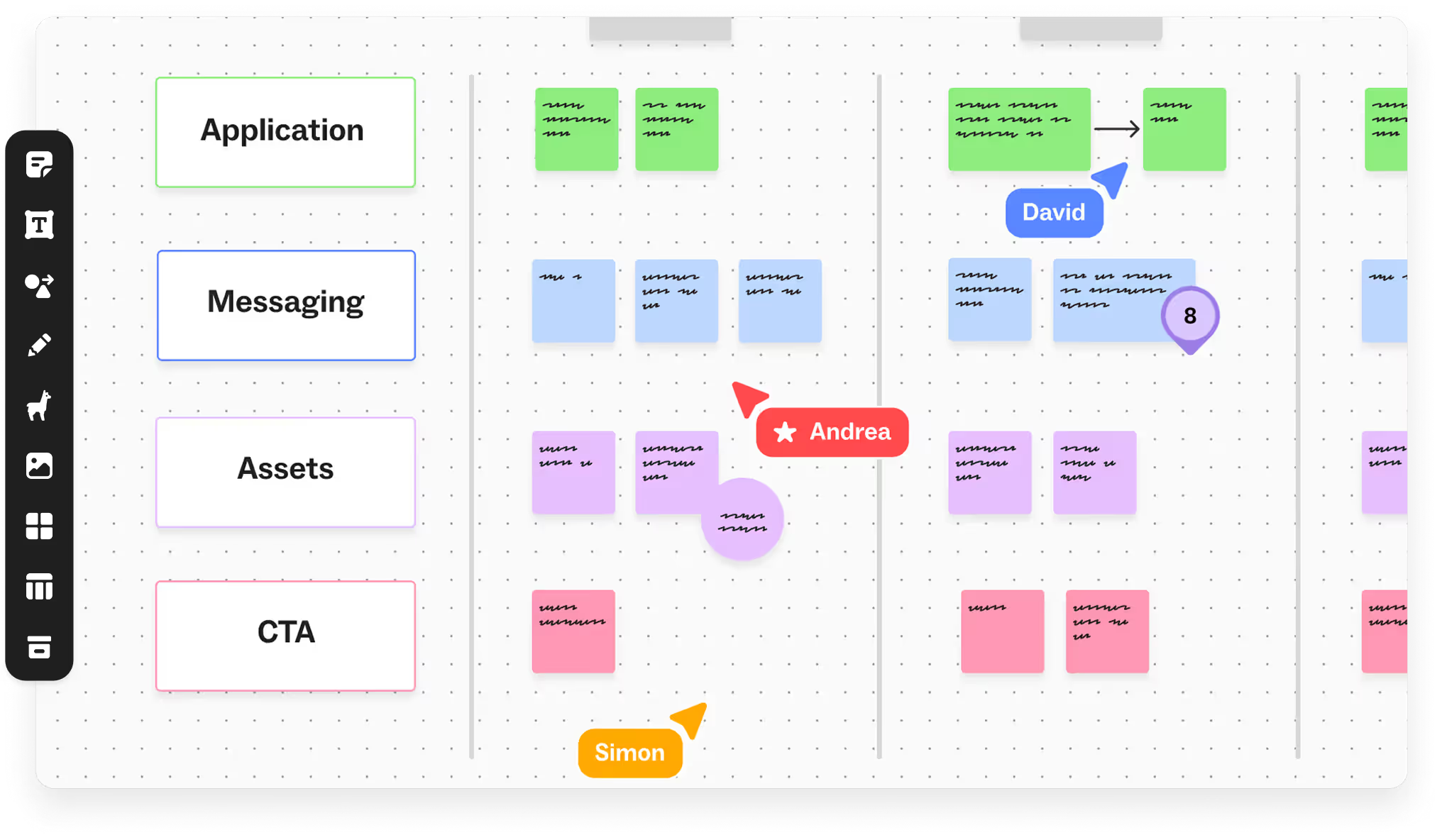
Collaborate with AI agents directly in Mural
The Mural MCP Server lets MCP-compatible AI agents like Claude, ChatGPT, and Gemini read and write directly to your Mural canvases as a real-time collaborator. Bring context from your other platforms into your canvas, use it to collaborate with your team, and route outcomes back into the tools where work continues.
What you can do with the Mural MCP
Bring research, planning, and delivery into a single workflow. The Mural MCP turns scattered information into shared understanding, keeps a running tab of existing context, and connects decisions directly to execution systems.
Built on the Model Context Protocol (MCP), Mural MCP is designed to work with leading AI assistants and MCP-compatible clients, including Claude, ChatGPT, Microsoft Copilot, Cursor, and others. This flexibility allows teams to bring visual collaboration directly into the AI tools they already use every day.
Synthesize research into one shared view
Pull interviews, customer feedback, notes, and online discussions into Mural automatically. Instead of piecing information together across tools, teams get a visual workspace with themes, insights, and supporting evidence in one place.
Create workshops from preexisting context
Bring a problem statement, requirements, and existing documentation together in Mural and generate a workshop board that's ready to facilitate. Less setup, more time solving the problem.
Move from decisions to delivery
Turn workshop outcomes into tickets and projects in Jira, Linear, or GitHub without manually recreating context. Teams stay aligned from planning through execution.
How teams use Mural MCP to turn information into action
Mural MCP helps teams transform large volumes of information into shared understanding and actionable plans. Whether preparing for research synthesis, sprint planning, roadmap discussions, account planning, or workshops, teams can use AI to organize information before collaborating and making decisions.
.avif)
Product teams use Mural MCP to bring customer research, backlog data, roadmap inputs, and stakeholder feedback into a single visual workspace. With information already organized and synthesized, teams can focus on planning, prioritization, and alignment.

Sales and go-to-market teams can turn CRM notes, account plans, call transcripts, and deal intelligence into collaborative canvases. This helps teams align on account strategy, opportunity planning, and cross-functional execution.
.avif)
Strategy and innovation teams use Mural MCP to combine insights from across the organization and transform them into visual frameworks for planning and prioritization. Teams can identify opportunities, align stakeholders, and make decisions faster.
Learn more about Mural MCP and AI collaboration
%201.avif)
Understand how MCP servers connect AI tools, workflows, and systems to enable scalable, connected AI experiences across applications.
%201.avif)
Discover how MCP servers help AI collaboration platforms preserve shared context, reduce workflow fragmentation, and coordinate AI-assisted teamwork.
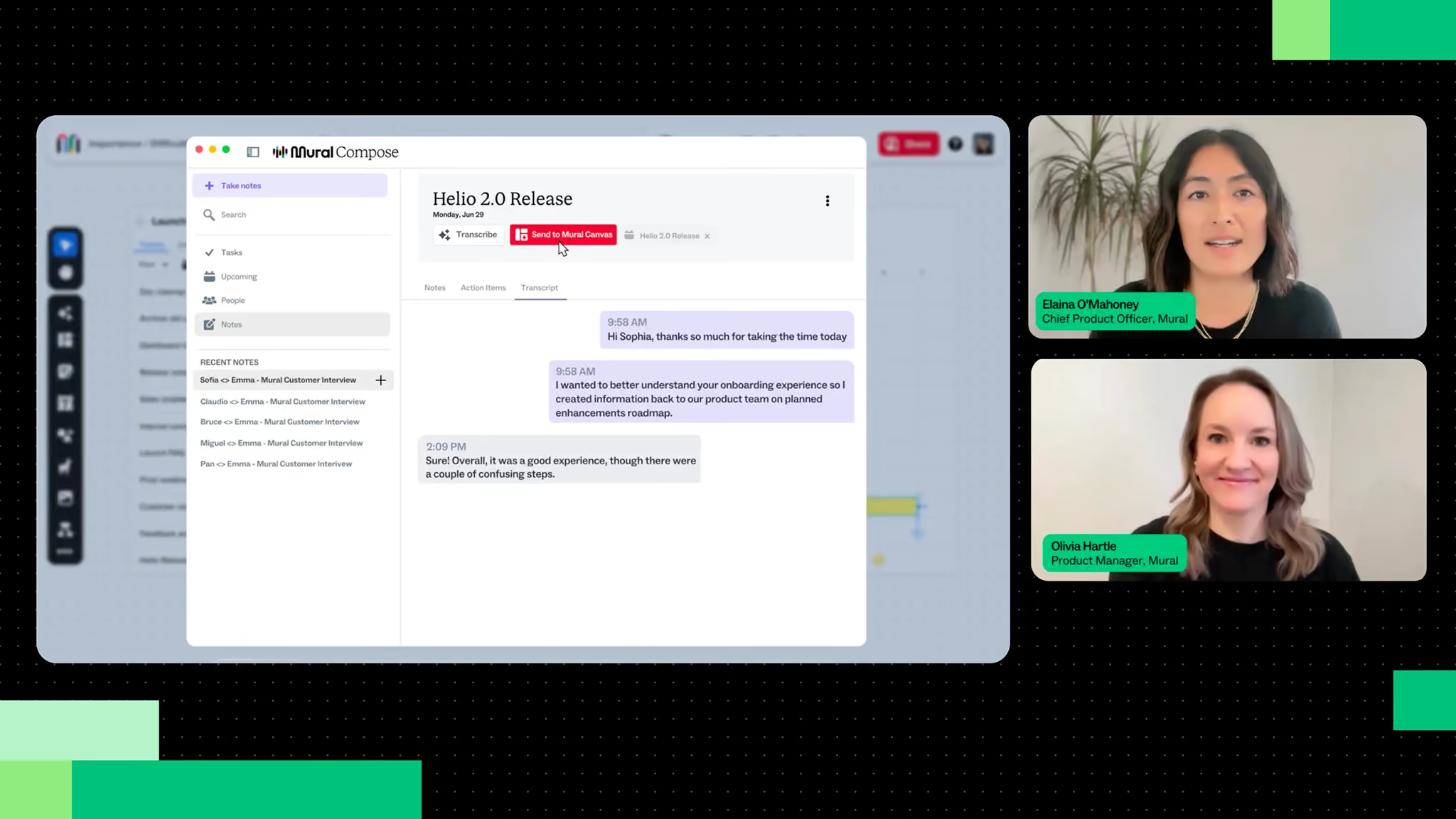
Webinar recap: Learn how Mural is building multiplayer AI to help teams stay aligned, collaborate visually, and turn AI output into better decisions.
Frequently asked questions
What is the Mural MCP Server?
The Mural Model Context Protocol (MCP) Server allows users to invite MCP-compatible AI agents to interact directly with a Mural canvas using a rich set of canvas operations. Agents can read canvas state, create and edit content, organize information, respond to changes as work evolves, and help distribute outcomes after a session.
How do MCP servers work with AI collaboration tools?
MCP provides a standardized way for AI agents to interact with external systems. The Mural MCP Server gives agents access to the canvas so they can collaborate alongside teams in a shared visual workspace.
What will agents be able to do on a Mural canvas?
Agents can create stickies, shapes, connectors, text, and other canvas elements. They can organize information, update existing content, respond to changes on the canvas, and help teams turn discussions into structured visual artifacts.
Will I need a native integration between Mural and every tool I use?
No. Agents can bring context from the systems they're already connected to. That means they can work with information from tools that may not have a direct integration with Mural.
Will admins have control?
Yes. Administrators can manage access through controls including client allowlisting, access permissions, and audit capabilities.
The Mural MCP Server is designed with enterprise requirements in mind.
- Administrative access controls
- Client allowlisting
- Audit logs
- Secure access management
- Customer content is not used to train models
Your organization stays in control of how agents access and interact with Mural.
Will our data be used to train models?
No. Mural does not use customer content to train AI models.
Why use Mural MCP instead of generating diagrams with an external agent and importing?
Most AI tools generate an output and hand it back. Mural MCP allows you to collaborate with your agent within a shared visual workspace where teams can then review, refine, organize, and act on ideas together.


