On this page
Use Project canvas template
Get started


Lead projects more successfully considering the basic principles and fundamentals of all projec

A good idea can spark in a moment. Turning said idea into success can take a lifetime of failed attempts. Where, then, does one start? Enter: a project canvas template, a practical, easy framework for project management. Like a memo, it maps out goals, resources, timelines, and potential hiccups all in one place. No more juggling multiple documents or chasing down details; the fundamentals are neatly organized and ready for next steps.
The project canvas template gives your team a high-level picture of your project. It streamlines project planning, aligns everyone on objectives, and keeps you focused on what really matters. You’re not just using a template; you’re setting the stage for success with a plan that's as clear as it is compelling.
A project canvas is like a cheat sheet — laying out all the essential information in one clear, visual space. It shows goals, scope, timelines, and resources at a glance so you can reference it with ease. Think of it as your project’s abstract or one-page primer, keeping everyone aligned and on track.
You can start a project canvas template here.
Begin by clearly outlining the primary goals and desired outcomes of the project. This will provide direction and focus for your planning.
Identify and list all stakeholders who will be collaborating on the project. Define their roles and responsibilities to ensure everyone knows their part.
Clearly define what is included in the project scope and what is not. This helps prevent scope creep and keeps the project on track.
Use the canvas to chart key milestones, deadlines, and important dates. This visual timeline helps in tracking progress and maintaining deadlines.
Identify the resources required, including team members, tools, and budget. Assign resources to specific tasks to ensure optimal utilization.
List potential risks and challenges that could impact the project. Include mitigation strategies to address these risks proactively.
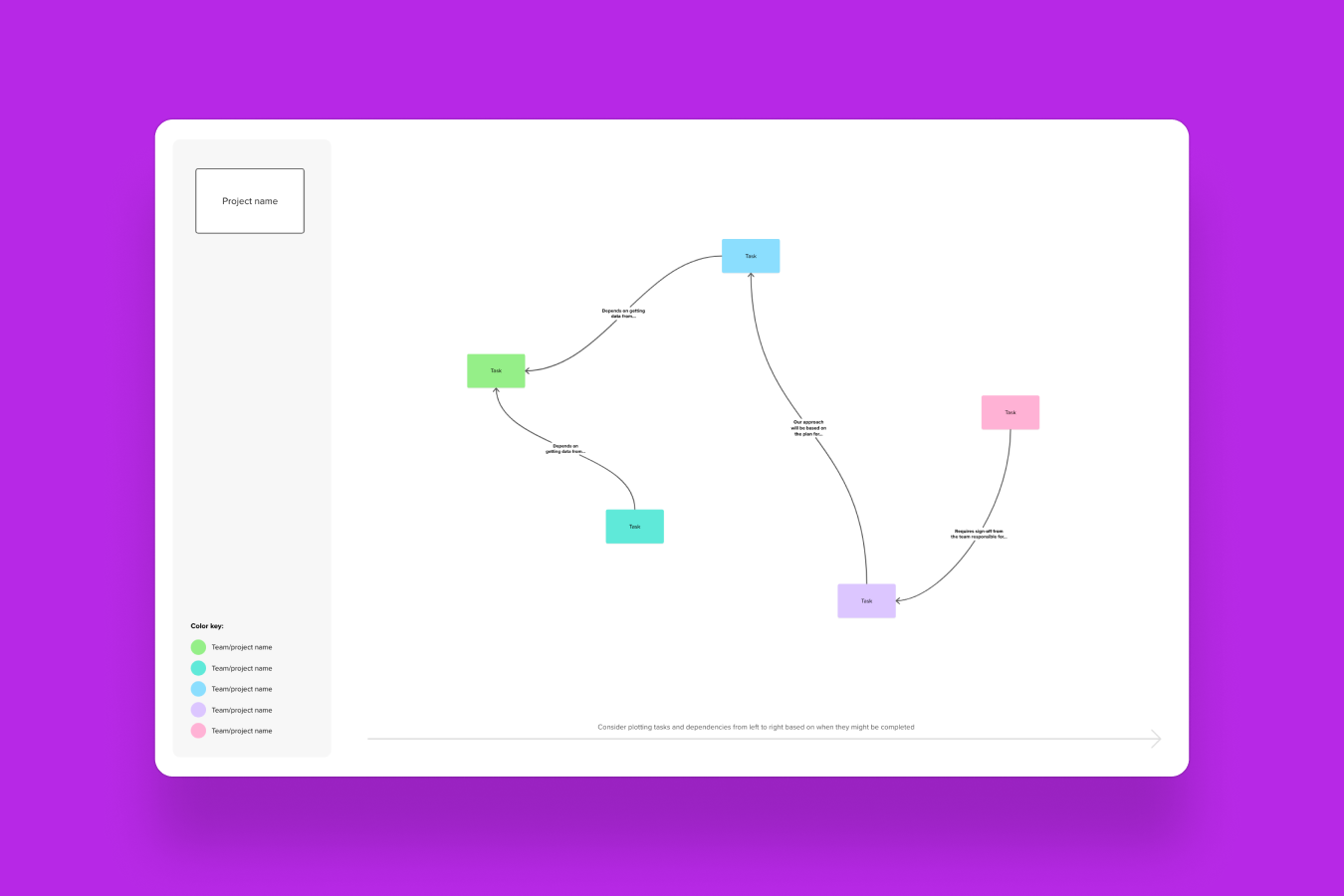
Divide the project into actionable tasks and assign them to team members. Use the canvas to track task progress and dependencies.
Regularly update the project canvas to reflect the current status of tasks, milestones, and deliverables. This helps keep the project on track and identify any deviations early.

A project canvas is a digestible project management tool for turning complex projects into streamlined starter guides. Here’s how it’s used:
Visualize and organize: It provides a clear, visual snapshot of your project’s key elements, including goals, scope, and timeline. Think of it as a one-page guide that maps out the entire project journey.
Align team and stakeholders: It ensures everyone — team members and stakeholders alike — understands the project’s objectives, roles, and deliverables. This alignment helps prevent misunderstandings and keeps everyone on the same page.
Project tracking: Use it to outline milestones, track progress, and manage resources. It helps keep the project on track by visualizing deadlines, tasks, and dependencies in one accessible spot.
Anyone looking to streamline project chaos can use a project canvas template. It covers the basic principles of any project. Project managers and team leaders will find it invaluable for mapping out goals, timelines, and responsibilities. Product developers and marketing teams can use it to visualize their strategies and track progress.
Here are the key components of a project canvas:
Project goals: Defines the main objectives and desired outcomes.
Stakeholders: Lists key individuals and their roles.
Scope: Outlines what’s included and excluded from the project.
Timeline: Visualizes key milestones and deadlines.
Resources: Details necessary tools, budget, and team members.
Risks: Identifies potential challenges and mitigation plans.
Tasks and deliverables: Breaks down actions and assigns responsibilities.
Metrics: Establishes how success will be measured.
No credit card required