On this page
Use Timeline template
Get started


Summarize upcoming plans or share past accomplishments via a horizontal timeline

Track your project's progress and ensure on-time delivery.
in meetings each week to stay informed and focused without the need for yet another time-consuming meeting.
By using a timeline template, you can see and track the phases of a project or workstream and quickly share with others what to expect.
Start by outlining the overall objectives and deliverables of the project. A collaborative timeline may require input from multiple stakeholders, so get clear on the scope before you begin.
What are the major milestones or phases of the project? Think of your mural as a project tracking template. Identify significant points or achievements that mark the completion of a major segment of the project.
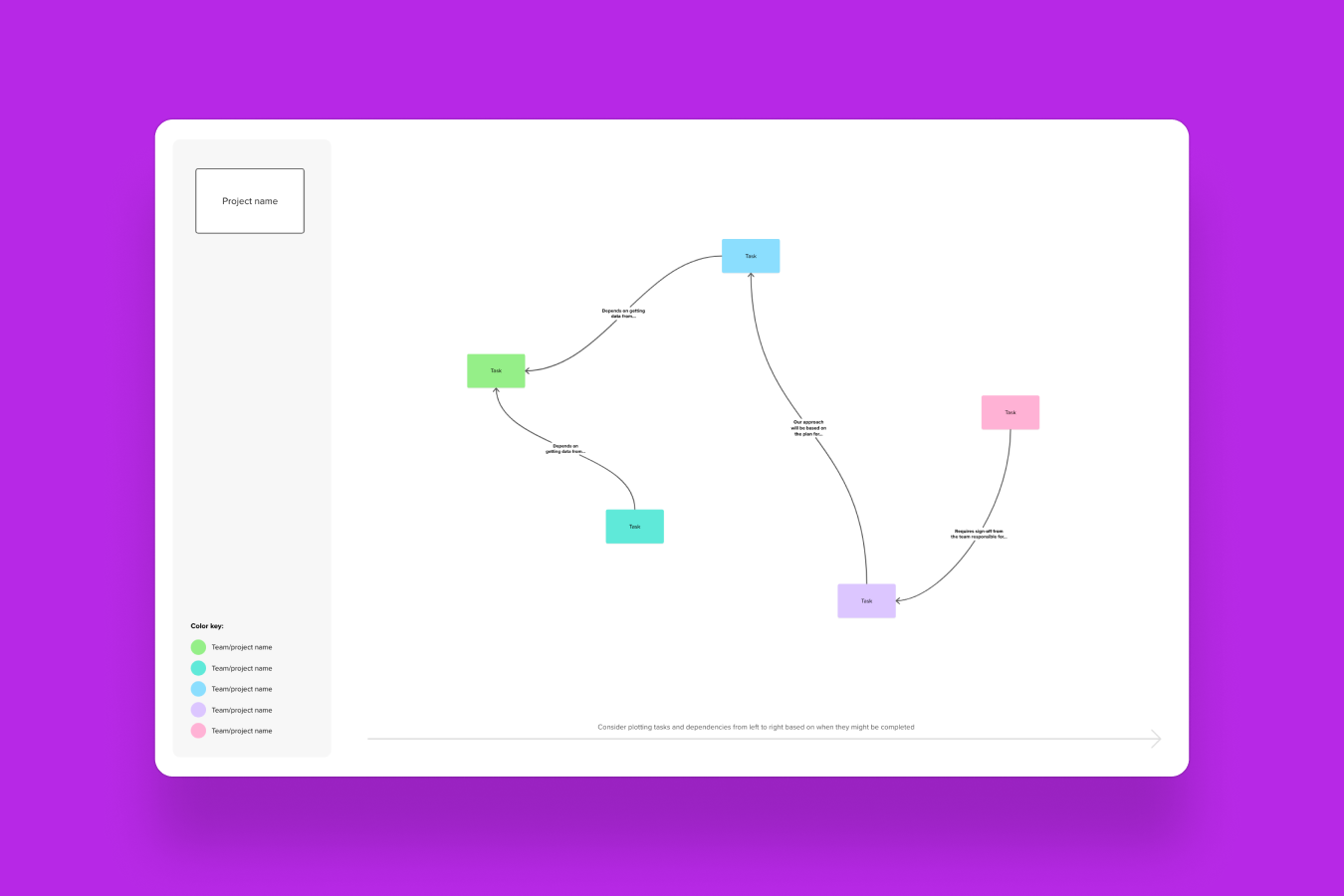
Now, the fun part of project visualization — load tasks, milestones, and dates into your timeline. Don’t be afraid to make it look as fun and engaging as your team is. Need to get your creative juices flowing? Here’s an example we’ve whipped up for you.
Allocate tasks to team members, ensuring everyone knows their roles and deadlines. Send out your visual project plan to the team so they’re fully aware of their roles in the project.
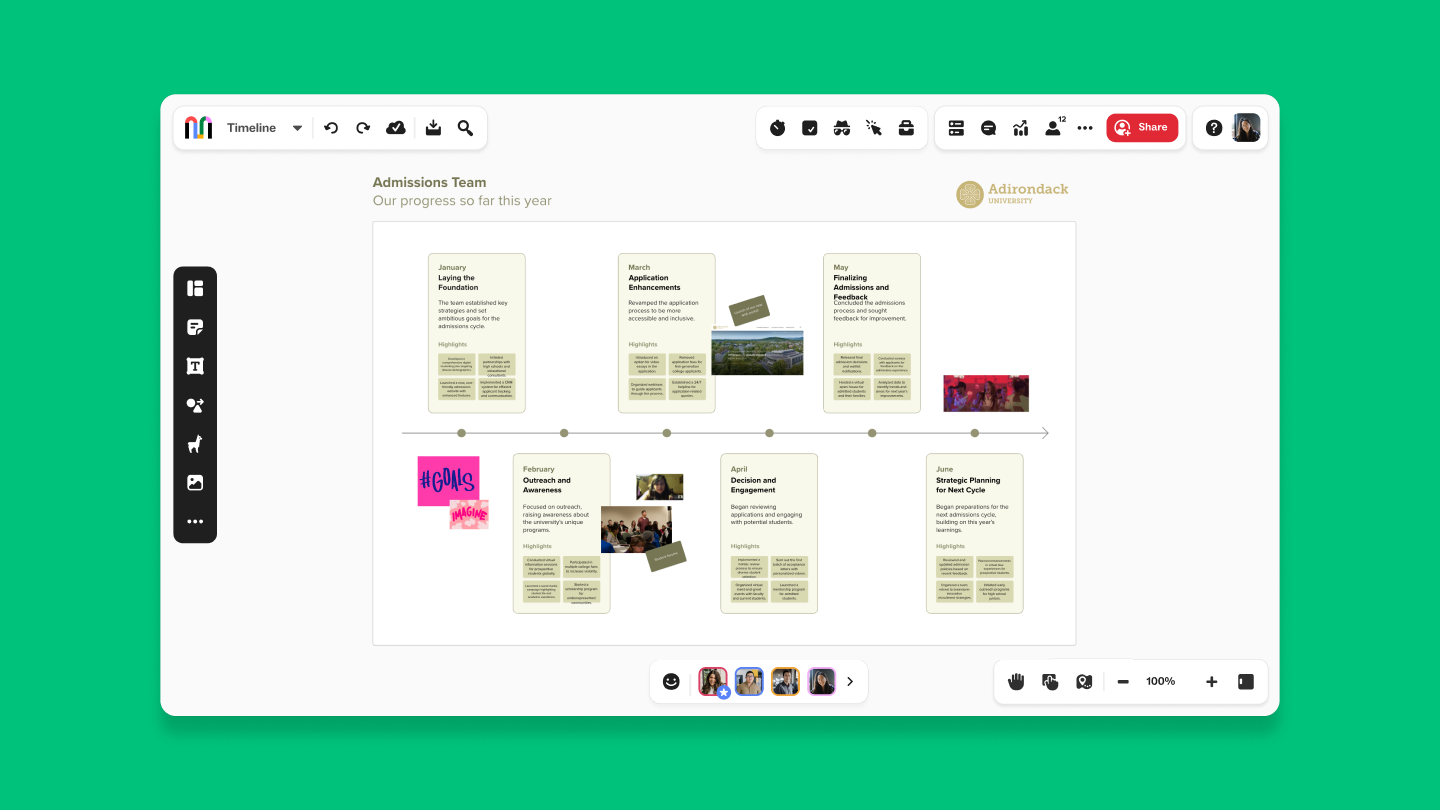
Project timelines come in a lot of formats, each designed for different types of projects and management styles. Here are some common types:
Gantt Chart: A bar chart showing tasks, durations, and dependencies over time. This is ideal for complex projects with many tasks.
Milestone Chart: Highlights key milestones and deadlines. Best for tracking major deliverables and project goals.
Kanban Board: Visual board with columns for different stages (e.g., To Do, In Progress, Done). Perfect for Agile projects and managing tasks flexibly.
Timeline View: A simple linear representation of tasks and deadlines. Great for straightforward schedules and project phases.
Roadmap: High-level overview of project phases and strategic goals. Useful for long-term planning and communicating big-picture milestones.
PERT Chart: Flowchart showing tasks and dependencies, helping estimate project completion time. Suited for complex projects with detailed task interdependencies.
Critical Path Method (CPM): Identifies the longest sequence of dependent tasks and their impact on project timing. Ideal for optimizing project completion.
Swimlane Diagram: Flowchart dividing tasks into lanes for different teams or departments. Useful for managing cross-functional tasks.
Calculating a project timeline involves estimating the duration of tasks, understanding dependencies, and organizing them in a way that shows the project’s progression. Here’s how you can figure those timelines out:
List tasks: Break the project into all necessary tasks and their details.
Estimate durations: Determine how long each task will take and add buffer time.
Identify dependencies: Note which tasks depend on others and sequence them accordingly.
Set dates: Assign start and end dates based on task durations and dependencies.
Create and adjust: Enter tasks and dates into a timeline tool, then review and tweak as needed.
The Mural timeline template is designed for real-time collaboration. Simply use the 'Share' button within your mural to invite team members via email, a shareable link, or by adding them directly to the workspace. Everyone can contribute simultaneously, making updates instantly visible.
No credit card required