

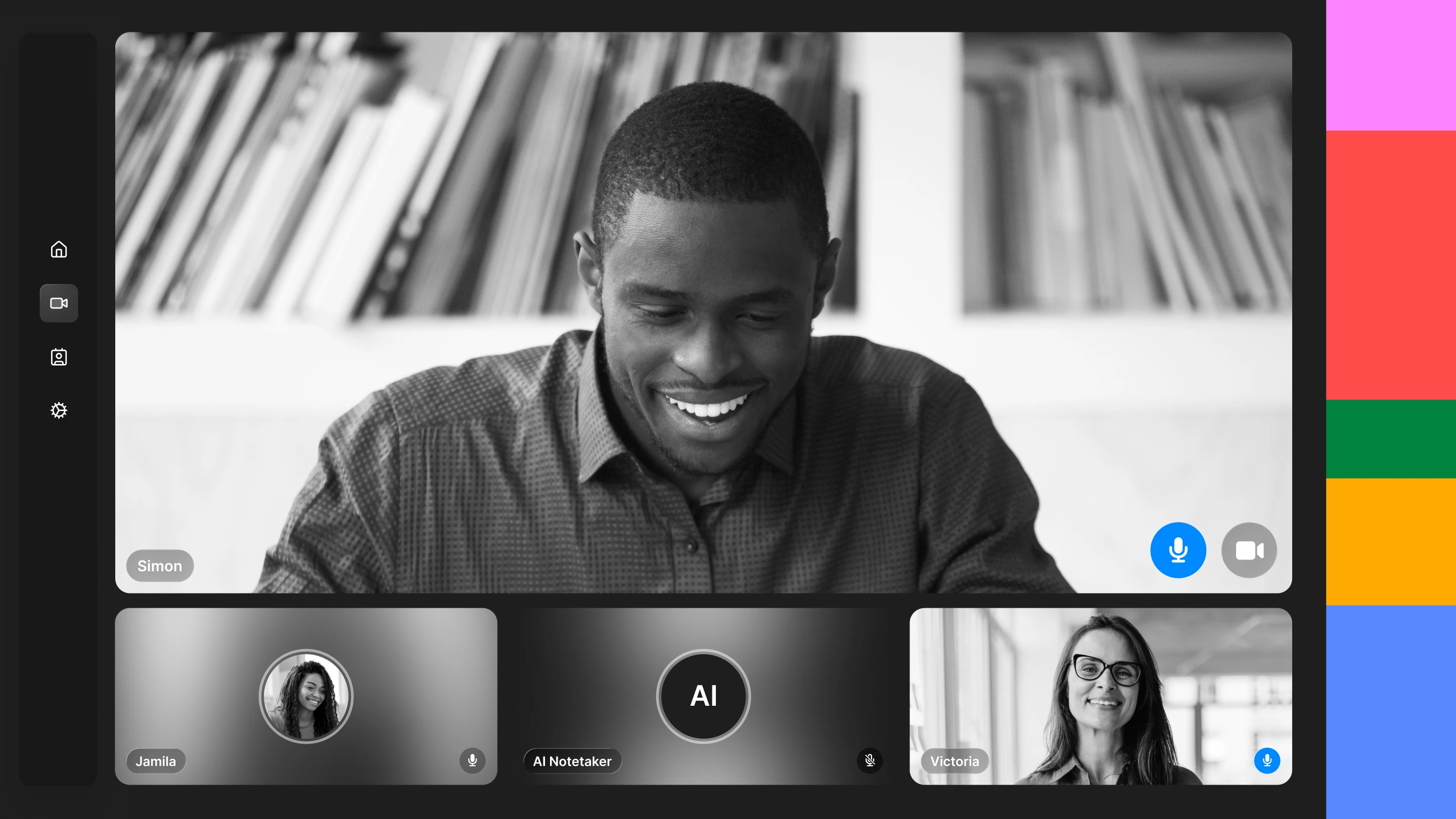
Every meeting contains valuable information. The problem is that conversations are fleeting.
People miss meetings, join late, or leave early. Their note-taking skills aren’t consistent. And with ad hoc note-taking, notes are scattered across various documents and document owners, causing action items to get forgotten and decisions to become harder to trace over time. Teams spend unnecessary time trying to remember what happened instead of building on what they already discussed.
AI notetakers have emerged to solve this problem. By automatically capturing conversation details and organizing key information, they make it easier for teams to review discussions, share knowledge, and follow up on next steps.
What is an AI notetaker?
An AI notetaker is a tool that automatically records conversations, creates transcripts, generates meeting summaries, and identifies action items. AI notetakers help teams preserve information that might otherwise be lost and reduce the amount of manual work required after meetings.
Most AI notetakers can generate:
- meeting transcripts
- meeting summaries
- action items
- speaker attribution
- follow-up notes
- searchable records of discussions
AI meeting notes have become increasingly popular as organizations spend more time collaborating across distributed teams. Instead of assigning someone to take notes or relying on memory, teams can automatically document what happened during a conversation.
This helps preserve information that might otherwise disappear once the meeting ends.
How do AI notetakers work?
AI notetakers work by recording conversations, converting speech into text, identifying who said what, and using AI to organize that information into structured outputs like meeting summaries, action items, and searchable notes.
Although different products use different models and workflows, most AI notetakers follow the same series of steps.
1. Capture the meeting
The first step is capturing the conversation itself.
Most AI notetakers join virtual meetings through platforms like Zoom, Microsoft Teams, or Google Meet. Some tools can also process uploaded recordings or audio files from interviews, workshops, and customer calls.
Once the meeting begins, the AI continuously records the conversation so it has a complete record to analyze afterward.
2. Convert speech into text
Next, speech recognition technology converts the audio into a written transcript.
Modern speech-to-text models can recognize natural speech, punctuation, and multiple speakers with a high degree of accuracy. Many AI notetakers also use speaker attribution to distinguish who said each part of the conversation, making it much easier to review discussions later. Because the transcript serves as the AI's source material, the quality of the speech-to-text system has a significant impact on the accuracy of summaries, action items, and meeting notes.
The transcript becomes the foundation for everything that follows.
3. Analyze the conversation
Once the transcript is complete, a large language model (LLM) analyzes the discussion.
Instead of simply looking for keywords, the model evaluates the conversation as a whole. It identifies the main topics, recognizes decisions, extracts action items, surfaces follow-up questions, and determines which parts of the discussion are likely to be most important.
Some AI meeting assistants can also detect recurring themes or group related ideas together, making long conversations easier to understand.
4. Generate structured outputs
Finally, the AI transforms the conversation into information that is easier to review and share.
Depending on the tool, those outputs may include:
- meeting summaries
- action items
- key decisions
- speaker-attributed notes
- follow-up questions
- searchable meeting transcripts
These structured outputs allow teams to find information quickly without rereading an entire transcript or replaying a meeting recording.
The exact capabilities vary from product to product, but the goal is consistent: reduce the time spent documenting meetings while making important conversations easier to revisit, share, and act on.
Why do teams use AI notetakers?
Teams use AI notetakers to reduce documentation overhead and make meeting information easier to capture, share, and act on.
Most of us aren’t professional note takers. Rather than relying on one person to take notes, AI notetakers create a consistent record of every meeting. This helps teams stay engaged during discussions while preserving the information they need afterward.
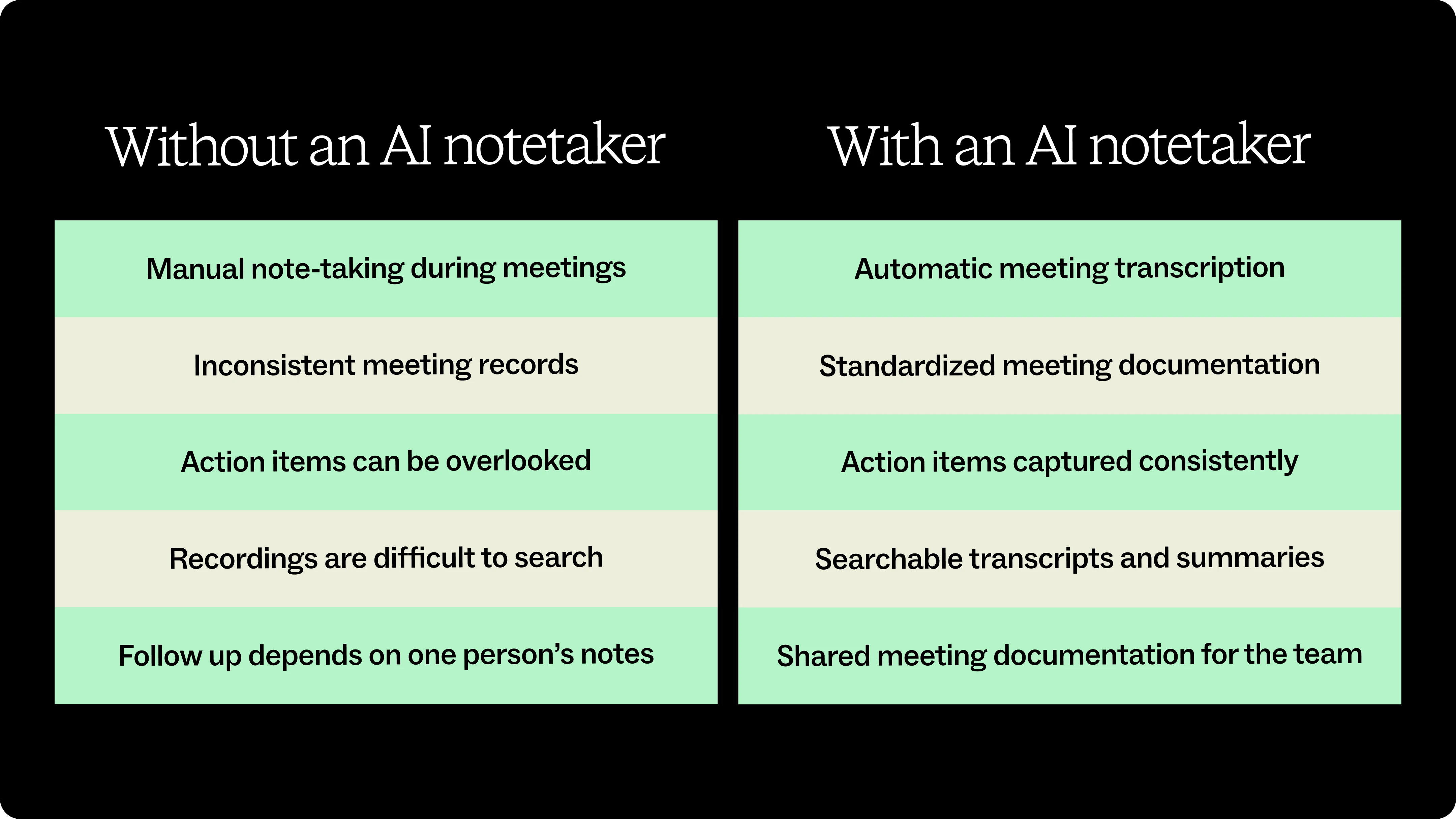
AI notetakers offer a lot of benefits:
Reduce manual note-taking
Most people would rather participate in a discussion than worry about documenting every detail.
AI notetakers automatically capture conversations, allowing participants to stay focused on listening, asking questions, and contributing instead of splitting their attention between the discussion and their notes.
Improve meeting documentation
Human notes are often incomplete. People summarize differently, miss important details, or simply forget to write things down.
AI-generated meeting notes create a more consistent record of customer calls, research interviews, project reviews, workshops, and team meetings, making it easier to revisit discussions and understand how decisions evolved.
Make conversations searchable
Meeting recordings are useful, but they are rarely practical to revisit.
AI notetakers transform conversations into searchable transcripts and summaries so teams can quickly find specific topics, decisions, or customer quotes without replaying an hour-long recording.
Capture action items consistently
Many AI notetakers automatically identify action items, owners, and next steps.
Instead of manually reviewing meeting notes after every conversation, teams can move directly into follow-up work with a clearer understanding of responsibilities and outstanding tasks.
From AI notetakers to meeting intelligence
AI notetakers answer one important question: What happened during the meeting?
Meeting intelligence answers the next one: What should the team do with that information?
Meeting notes, transcripts, and summaries are valuable because they preserve conversations that might otherwise be forgotten. They make discussions easier to review, search, and share across a team.
But information alone does not guarantee clarity or alignment.
A transcript can tell you what was said. It cannot tell you whether everyone interpreted the discussion the same way, whether the right people understand the implications, or whether the team is ready to move forward.
That is why organizations are increasingly looking beyond meeting capture toward meeting intelligence. Instead of stopping at documentation, meeting intelligence helps teams identify decisions, connect related conversations, surface important themes, and turn discussions into action.
Mural Compose is on Mural’s roadmap, which builds on the foundation of AI meeting notes by turning conversations into shared, dynamic visuals that teams can review, refine, and action on together. Instead of leaving insights in a transcript, it places them on a collaborative canvas where they become part of the team's ongoing work.
You can explore Mural AI to see how AI-powered collaboration helps teams move from conversations to shared understanding.

%20(1).webp)
%20(1).webp)


