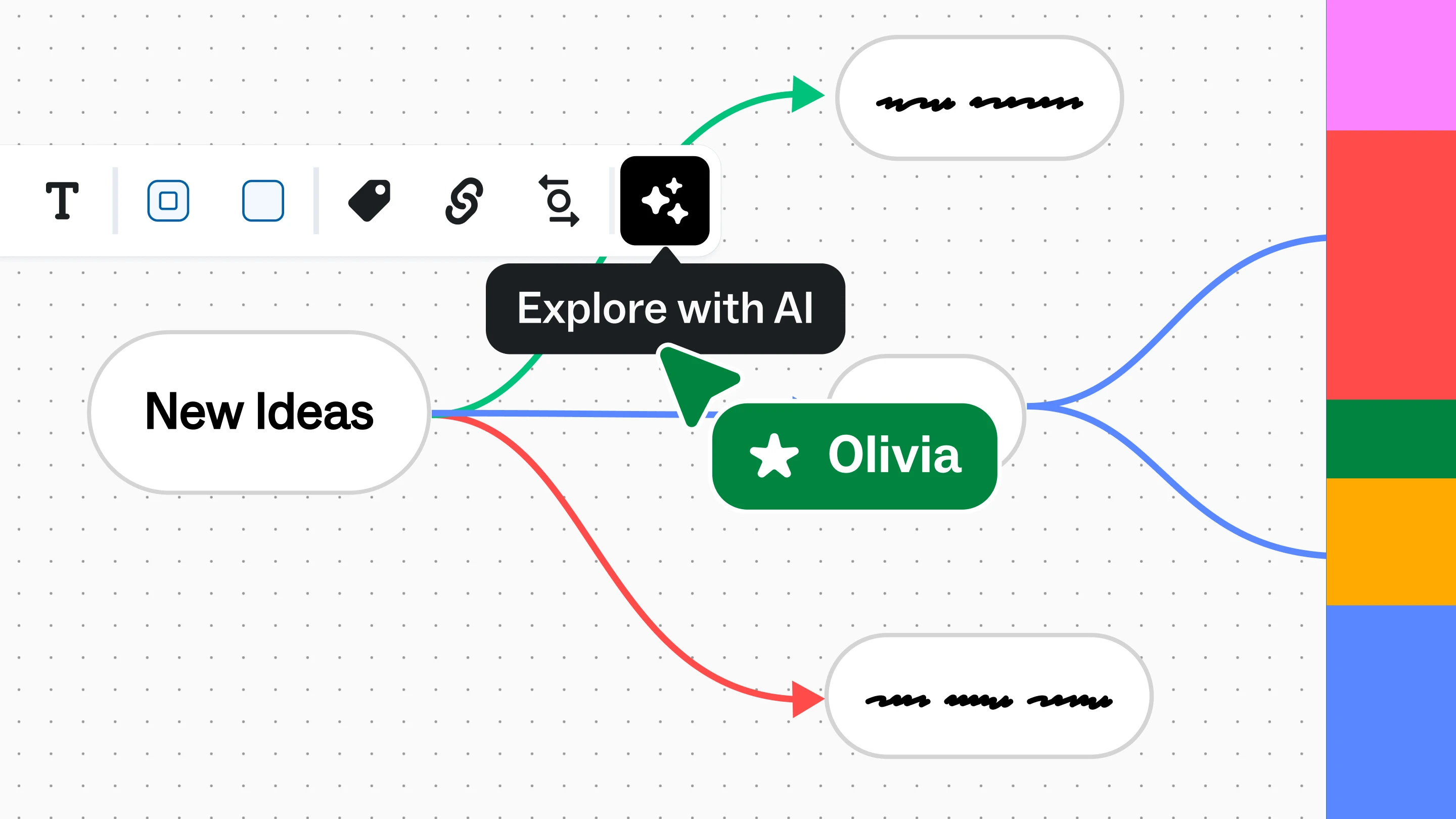
Today's mind mapping software has evolved well beyond digital note-taking. Many platforms now combine visual collaboration, AI-assisted ideation, templates, and integrations that support everything from product planning and research synthesis to strategic decision-making. The best tools help individuals and teams organize ideas, uncover connections, collaborate in real time, and turn brainstorming sessions into actionable plans.
In this guide, you'll learn what mind mapping software is, why organizations use it, which features matter most, and how to evaluate solutions that fit your team's workflow.
What is mind mapping software?
Mind mapping software helps users visually organize information by connecting ideas around a central topic. Unlike traditional note-taking tools, mind maps reveal relationships between concepts, making complex information easier to understand, communicate, and expand.
Originally used as a personal brainstorming technique, modern mind mapping software has become a collaborative workspace where teams can:
- Brainstorm new ideas
- Plan projects and initiatives
- Organize research findings
- Map customer journeys and workflows
- Document strategic discussions
- Explore solutions together in real time
Many platforms now incorporate AI to help generate initial mind maps, organize ideas, and accelerate brainstorming. Rather than replacing human thinking, AI provides structured starting points that teams can refine together.
Why use mind mapping software?
Mind mapping software helps teams move from scattered ideas to shared understanding.
Whether you're planning a product launch, facilitating a workshop, or organizing research, visual thinking makes it easier to identify relationships, spot gaps, and align stakeholders around the same picture.
Organizations commonly use mind mapping software to:
- Generate ideas faster during brainstorming sessions
- Organize complex information into clear visual structures
- Improve cross-functional collaboration
- Simplify strategic planning
- Capture and refine meeting outcomes
- Accelerate ideation with AI-generated starting points
Unlike static documents, collaborative mind maps continue evolving as projects progress, making them valuable throughout planning, execution, and decision-making.
What to look for in mind mapping software
The best mind mapping software for you depends on how your team works. Instead of focusing on feature checklists alone, evaluate how each solution supports your complete collaboration process.
Define your team's brainstorming and collaboration needs
Start by identifying how your team plans to use mind mapping software.
Questions to consider include:
- Will individuals primarily create mind maps, or will multiple people collaborate simultaneously?
- Are you facilitating workshops or planning projects?
- Do you need structured brainstorming sessions?
- Will mind maps evolve into roadmaps, workflows, or implementation plans?
The answers will help determine whether you need a lightweight diagramming tool or a broader visual collaboration platform.
Evaluate AI-powered mind mapping capabilities
AI is changing how teams create and refine mind maps.
Look for tools that can:
- Generate initial mind maps from prompts
- Organize large collections of ideas
- Suggest logical groupings
- Help expand or refine concepts
- Accelerate brainstorming without replacing human decision-making
The most effective AI capabilities reduce setup time while keeping users in control of the final output.
Prioritize real-time collaboration
Many mind maps begin with one person but quickly become team artifacts.
If collaboration is important, look for software that supports:
- Real-time co-editing
- Comments and feedback
- Shared workspaces
- Visual facilitation
- Asynchronous collaboration across distributed teams
Collaboration becomes especially valuable when brainstorming, planning, or synthesizing research across multiple stakeholders.
Consider templates, integrations, and ease of use
Templates help teams start faster without designing every map from scratch.
Look for software that includes:
- Mind map templates
- Brainstorming frameworks
- Planning templates
- Integration with your existing productivity tools
- Simple onboarding for new users
The easier a tool is to adopt, the more likely teams are to use it consistently.
Choose software that can scale with your organization
Your needs today may differ from your needs six months from now.
If multiple departments will use the platform, consider factors such as:
- Enterprise security
- Administrative controls
- Governance
- Scalability
- Cross-functional collaboration
Choosing software that supports both individual creativity and organizational collaboration helps avoid switching platforms later.
Essential features of mind mapping software
While every organization has different priorities, several capabilities consistently separate modern mind mapping software from basic diagramming tools.
AI-generated mind maps
AI can quickly transform prompts, notes, or ideas into structured visual maps that teams can review and refine together.
Visual collaboration
Mind maps become more valuable when multiple contributors can build, organize, and expand ideas in a shared workspace.
Real-time collaboration
Look for live editing, commenting, and facilitation features that support workshops, brainstorming sessions, and distributed teamwork.
Templates and frameworks
Pre-built templates help teams move from a blank canvas to productive conversations more quickly.
Integrations
Mind mapping software should connect with the tools your teams already use, reducing manual work and keeping information synchronized across workflows.
Presentation and facilitation tools
Many brainstorming sessions don't end with a completed mind map. Presentation tools, voting, timers, and facilitation capabilities help teams turn ideas into decisions.
Enterprise security and governance
For larger organizations, security, permissions, and governance are essential considerations when evaluating collaborative software.
Turn ideas into action with Mural
Creating a mind map is only the beginning.
The real value comes from refining ideas, aligning stakeholders, planning work, and making decisions together.
Mural combines collaborative mind mapping with an infinite visual workspace designed for brainstorming, facilitation, strategic planning, and AI-assisted ideation. Instead of creating a diagram that lives in isolation, teams can expand mind maps into customer journeys, affinity diagrams, planning frameworks, and collaborative workspaces without switching tools. This reflects Mural's broader approach of helping teams transform ideas and conversations into shared understanding, alignment, and outcomes.
Explore collaborative mind mapping in Mural today.