Template use cases
Use Job application tracker template
Get started
Keep your job hunt organized as you work to score an offer

Looking to level up your job hunt? Use our job application tracker template — a tool that transforms the chaos of applications into a streamlined, organized possibility! Picture this: You’re juggling multiple job postings, interviews, and follow-ups, all while trying to keep your sanity intact. With a tracker, you can easily log every opportunity, monitor your progress, and ensure no application slips through the cracks.
On average, people spend 11 hours a week searching for jobs. You can use this tracker to document that. But this isn’t just about staying organized — it’s about making the job search more engaging! A visual job hunt organization tool lets you see your successes quickly, celebrate small wins, and find trends that can help you improve your plan.
Create columns for essential information in your job application tracker template, like:
As you find jobs, immediately enter the details into your tracker. This helps you keep everything organized and prevents missed opportunities.
Regularly update the status of each application in your career planning tool. This might include moving it from "Applied" to "Interviewing" or noting when you receive an offer or rejection.
Use the follow-up date to remind yourself when to check in with employers. This helps maintain engagement and shows your interest.
Using a job application tracker can greatly streamline your job hunt and keep you organized. Here’s how to effectively manage your job search with it:
Set up your tracker
Log job opportunities
Track progress
Analyze applications
Keep everything organized with your columns and rows
Update it regularly
You only have seven seconds to make a first impression. Using a job application tracker helps you stay organized and focused, improving your chances of landing the right job.
These pieces of information can be helpful to include:
Job title: The position you’re applying for.
Company name: The name of the organization.
Application date: When you submitted your application.
Job description link: A link to the job posting for reference.
Status: Current status of your application (e.g., Applied, Interviewing, Offer, Rejected).
Follow-up date: When you plan to check in if you haven’t heard back.
Contact person: Name and contact details of the recruiter or hiring manager (if available).
Notes: Additional details like interview notes, feedback, or key points from the job description.
Salary expectations: If relevant, note your expected salary or compensation.
Location: Job location (remote, hybrid, or specific city).
Using a job application tracker template can significantly enhance your organization during the job search process in several ways:
Centralized information: It consolidates all job-related details in one place, making it easy to access and review your applications.
Clear overview: You can quickly see the status of each application, helping you prioritize follow-ups and manage deadlines.
Tracking progress: By logging application dates and statuses, you can monitor your progress and ensure you’re consistently applying to new opportunities.
Enhanced focus: By categorizing applications, you can focus on high-priority roles and tailor your efforts accordingly.
Reflect and improve: Analyzing feedback and responses helps you refine your approach, leading to better applications over time.
Overall, a job application tracker template streamlines your search, enhances accountability, and helps you maintain a proactive and organized approach.
Tracking job applications visually offers several benefits that can enhance your job search experience:
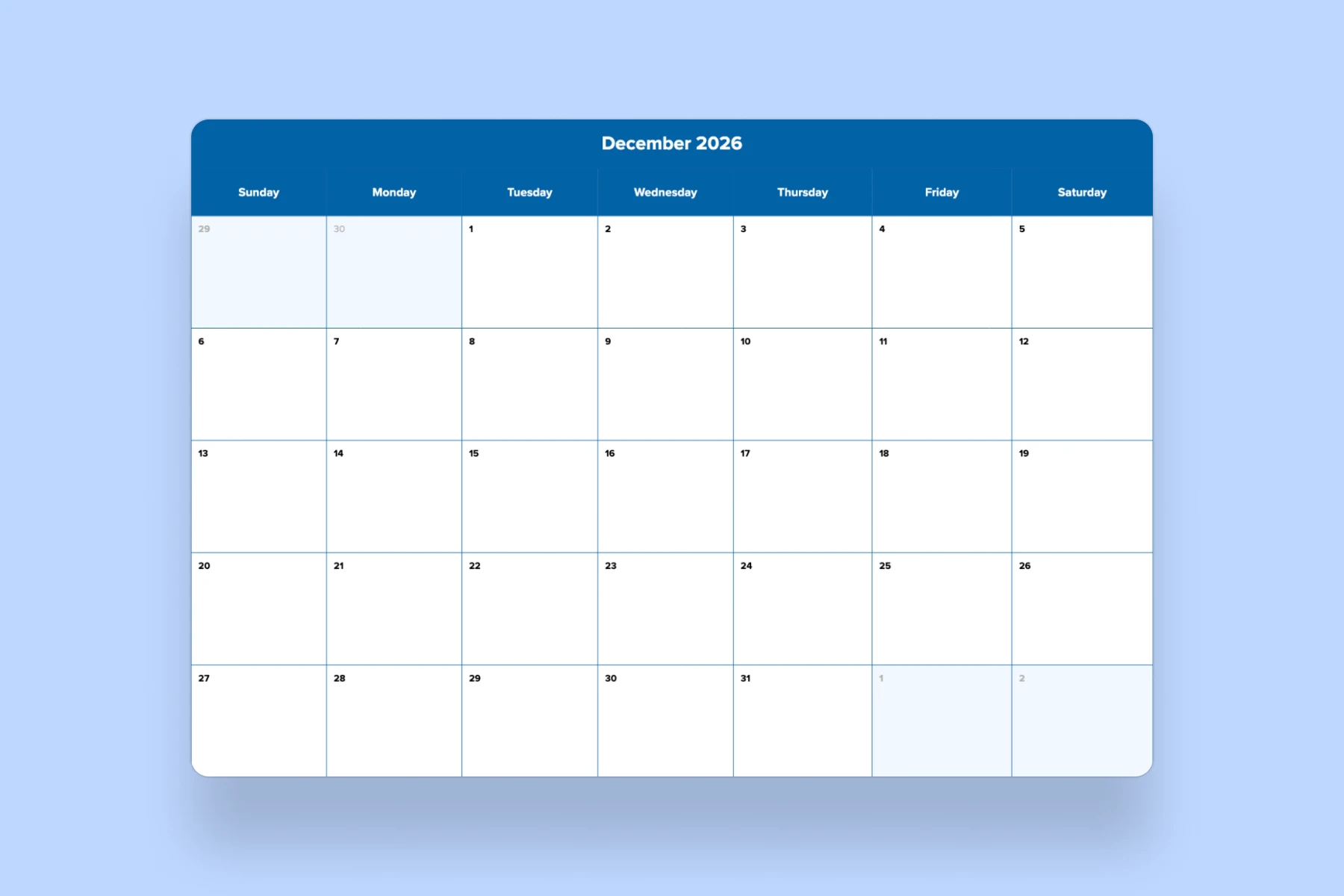
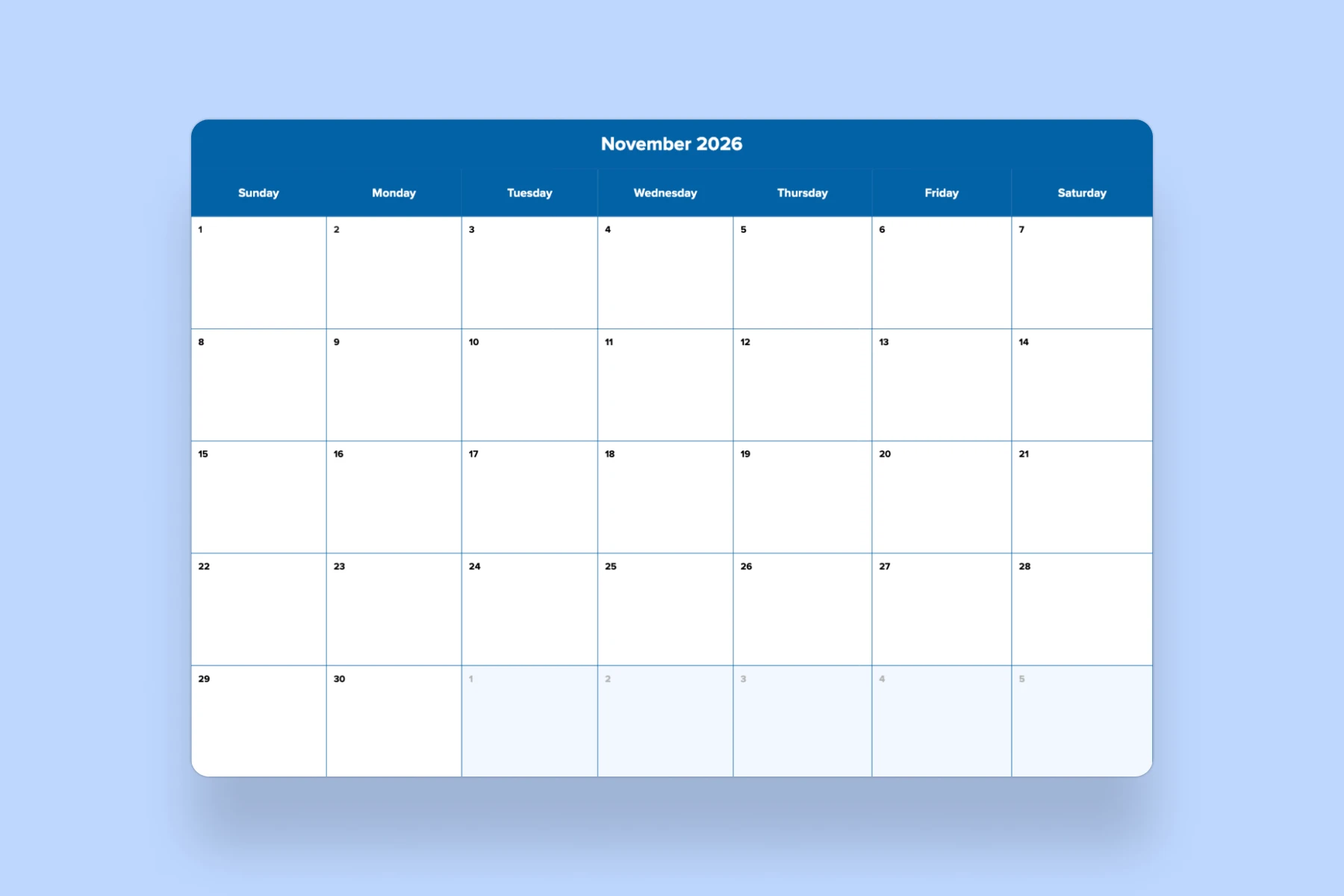
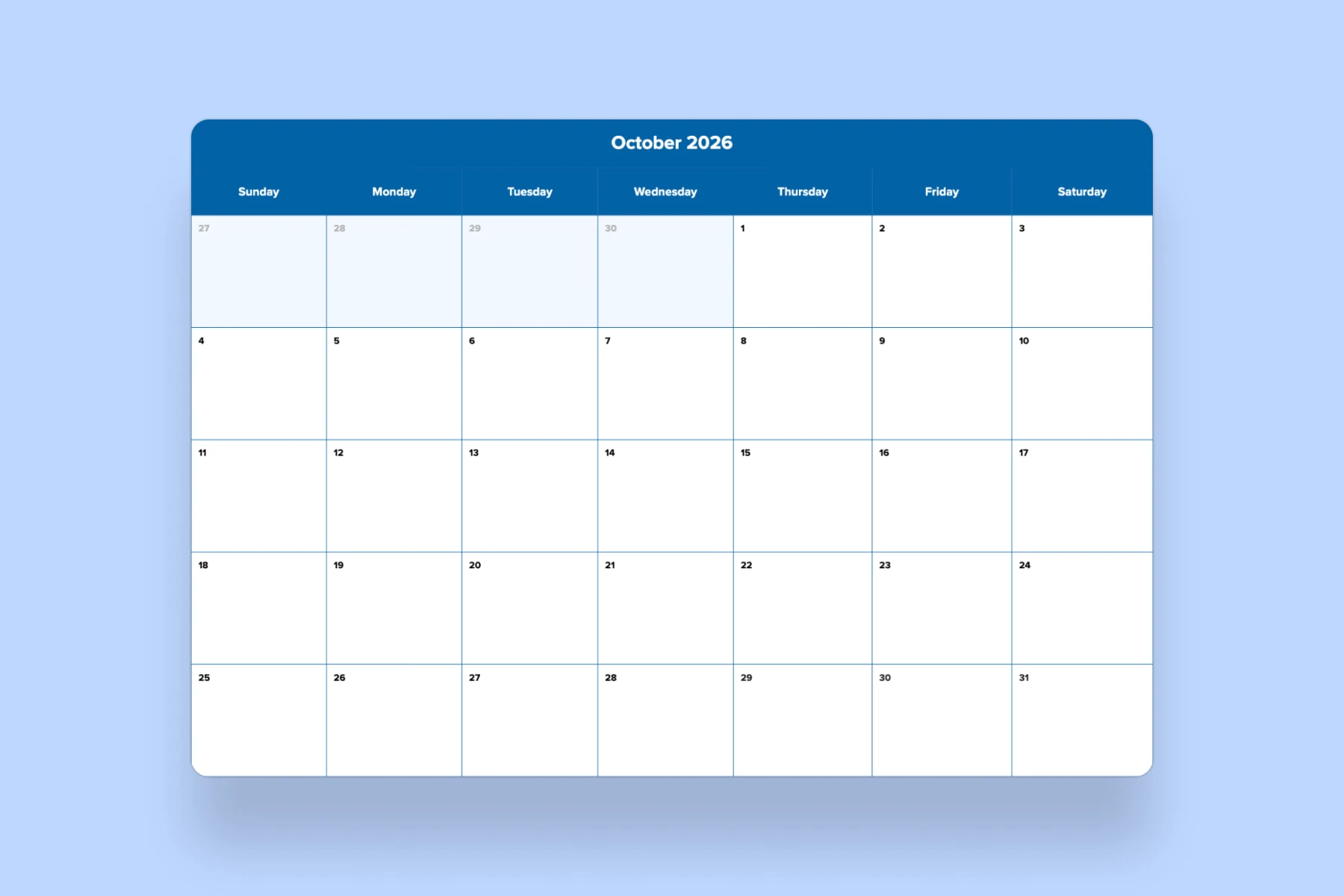
Easier tracking of deadlines: Color-coded timelines or calendars can help you manage follow-up dates and application deadlines effectively.
Simplified analysis: Visual data can highlight trends, such as which companies respond more often or which job types yield better results, helping you refine your strategy.
Engaging experience: Visual tools can make the tracking process more enjoyable and interactive, reducing the monotony often associated with job searching.
Staying on top of follow-ups using a job application tracker template can be effectively managed with these strategies:
Dedicated follow-up column: Include a specific column in your tracker for follow-up dates. This makes it easy to see when you need to reach out.
Set reminders: Use calendar alerts or reminders on your phone for each follow-up date. This ensures you don't miss any opportunities.
Color-coding: Utilize color codes to indicate the status of follow-ups (e.g., green for completed, yellow for upcoming, red for overdue). This visual cue helps prioritize tasks.
Notes section: Include a notes section to jot down key points or details from previous communications. This keeps your conversations relevant and informed.