What are project management integrations?
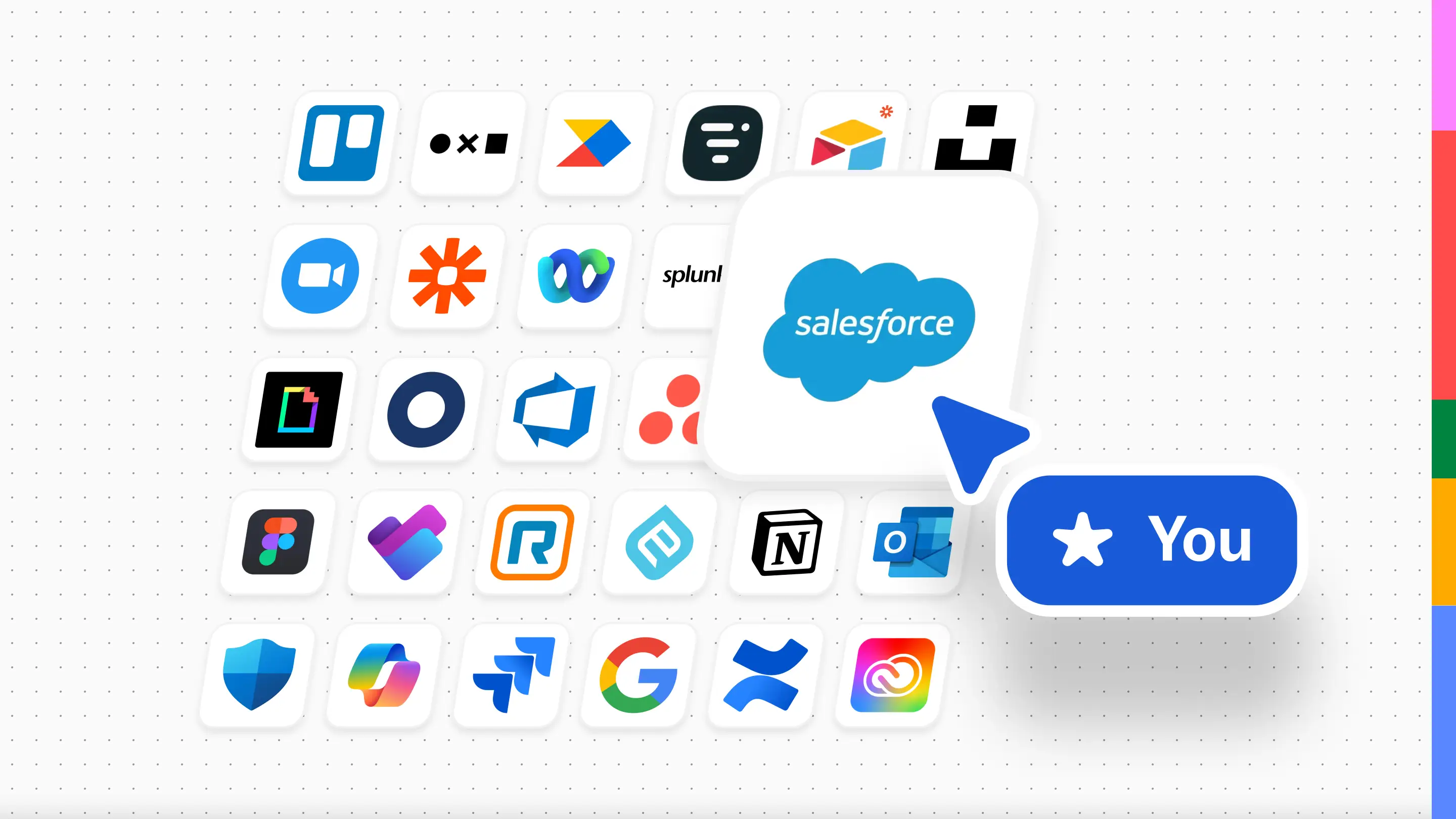
Mural's project management and CRM integrations connect your mural directly to the tools your team already relies on: Salesforce, Asana, Rally, Microsoft Planner, Jira, and Azure DevOps. With two-way sync, updates you make in a mural can be pushed back to your systems of record and updates made in other apps can be pulled into Mural. No more copy-pasting contact details, or chasing down task updates.
These integrations transform your murals into a connected collaboration space for visual project management, where sales intelligence, customer data, and team action items come together without ever leaving the canvas.
Why we built these integrations
When updates live in separate tools, teams lose alignment. A product manager updates a story in Jira, but designers keep working from old requirements. A sales rep captures insights in a discovery call, but the CRM stays stale. The result is wasted time, duplicate work, and missed opportunities.
We know teams need productivity tools that let them visualize accounts, map stakeholders, and track action items in one place, without losing the connection to their trusted systems. These integrations make that possible.
How project management integrations help you
Here's what changes when your visual workspace stays connected to your systems of record:
Map your buying committee with Salesforce
With Mural's Salesforce project management integration, you can search for and insert contacts directly into your mural as LinkedIn-enriched profile cards. Visualize relationships between decision-makers, champions, and blockers on a shared canvas. When you update contact details in Mural, click "Sync" in the profile card's info panel to push changes back to Salesforce. Or, pull in updates your colleagues made in Salesforce.
Keep action items connected with Asana
Two-way sync means updates you make in Mural can be pushed back to Asana (and vice versa), so your team stays aligned without toggling between platforms. Capture follow-ups during discovery calls, QBRs, or cross-functional workshops, then track them where your team already works.
Streamline account planning with Microsoft Planner
Simplify Microsoft Planner sales planning by pasting task URLs directly into your murals, bringing tasks onto the canvas as sticky notes. Two-way sync lets you update task details in Mural and push changes back to Planner, as well as pull from Planner into Mural. It’s great for sprint planning, retrospectives, and breaking down complex account strategies into manageable action items.
Keep your backlog aligned with Jira
Link Mural sticky notes to Jira issues and keep planning and execution in step, from the first conversation to release day. Import existing issues into Mural as sticky notes, or turn new sticky notes into linked Jira issues.
Sync work items with Azure DevOps
Two-way sync keeps your Azure DevOps work items and Mural sticky notes aligned. Update key fields like title/status/story points in Mural, then sync back to Azure DevOps. View the latest details in the side panel, and sync supported fields when you make changes.
Track milestones with Rally
Mural’s Rally integration lets you track milestones and sync updates between Rally and Mural. Keep cross-functional teams aligned on product delivery while maintaining your mural as a shared planning space.
When to use project management integrations (with examples)
During discovery calls
Pull up your prospect's Salesforce contacts during the call and build a stakeholder map in real time with LinkedIn-enriched profile cards. As you learn who influences the buying decision, search for and add contacts directly from Salesforce. After the call, any contact details you've updated can be synced back to Salesforce.
In monthly account reviews
Visualize your entire book of business with connected profile cards and action items. Identify which accounts need attention, which deals are stalling, and what follow-ups are overdue. Updates you make during the review sync back to your systems, keeping your CRM current without extra work.
During sprint planning
Move tasks around to balance the load and spot dependencies. With two-way sync, Jira or Azure DevOps updates with a click of a button, so the sprint backlog is accurate before the call even ends.
When mapping a release roadmap
By the end of a planning session, you've got a mural full of sticky notes. This normally means hours of follow-up: creating tickets, assigning owners, updating the roadmap. With two-way sync, the sticky notes you linked during your Mural session are already in Jira or Azure DevOps, ready for execution when the meeting wraps.
Pro tips for getting the most from project management integrations
- Embed murals in Salesforce for team-wide visibility. When accounts shift or teammates change, everyone stays connected to the same shared context.
- Use profile cards with stakeholder mapping templates to visualize your buying committee. Start with the Simple Stakeholder Map or Visualize Account Stakeholders template for a quick setup.
- Combine integrations to support real-world workflows. Cross-functional teams often use more than one system. For example, Sales can manage contacts in Salesforce while Product or Marketing tracks execution in Asana or Jira, all connected in a single mural.
Connect your tools and start moving faster
Mural's integrations connect your workspace to the systems you already use, so your team stays aligned from first idea to final delivery.