
.avif)





.avif)

Why Mural for mind mapping
Mind mapping in Mural gives teams a shared, visual space to turn complexity into clarity, making it easier to organize ideas, spot connections, and act faster.
When ideas are scattered across documents, chats, and sticky notes, opportunities are missed and projects stall. Mural’s collaborative mind mapping software brings everything together in minutes so everyone’s ideas are captured.
Use our mind map software when your team needs to:
- Launch projects sooner by streamlining brainstorming and prioritization
- Reduce costly misalignment between teams
- Move from ideation to execution without losing momentum
The impact: faster decisions, fewer delays, and greater confidence in next steps.

The benefits of using Mural for mind mapping
Mind mapping with Mural helps cross‑functional teams create clear, actionable plans.
- Spot connections instantly: Disconnected ideas in sales pipelines, research findings, or project planning can stall progress. Reveal patterns and priorities, fast.
- Centralized information: Critical notes, requirements, and market data are always accessible in one living map.
- Seamless collaboration: Distributed cross-functional teams stay aligned in Mural’s visual mind mapping workspace — live or asynchronously — boosting engagement.
- Spark ideas: Mural’s templates guide your team through structured, productive sessions. Popular options include Mind map template, Mind map brainstorm template, and Rapid mind mapping template.
- Accelerated decision-making: Delayed decisions cost deals and slow innovation. Surface key themes and cuts decision timelines. (Upgrade for Mural’s AI-powered mind mapping software to move even faster.)
Common challenges with mind mapping tools and how to overcome them with Mural
Mind maps can fail to deliver when they get cluttered, lack clear priorities, or lose team engagement. Mural’s mind mapping tool removes these roadblocks with features that keep ideas organized, participants involved, and work connected.
- Information overload: Large brainstorms can quickly become overwhelming. Filter out noise so your team can focus on what matters most. (And if you’re using Mural as an AI-powered mind mapping tool, you can automatically cluster related ideas.)
- Unclear priorities: Without visible next steps, ideas fade. Visual tagging in our mind map software helps clarify priorities for everyone, so action plans are agreed on quickly.
- Low engagement: When contributors are spread across locations, participation often drops. Real-time visual mind mapping and unlimited visitor access keep all voices active.
- Disconnected workflows: Switching between tools slows momentum. Mural integrates with Jira, Slack, Microsoft Teams, and more to keep mind mapping for teams connected directly to your existing processes.
Best practices using Mural’s mind mapping tool
Follow these proven tips to get the most from Mural’s mind map creator and turn every brainstorming session into a productive conversation.
- Make sure to invite diverse perspectives early. Add collaborators at the start of the process. Unlimited visitor access makes it easy to involve cross‑functional voices.
- Use clustering for organization. Group related ideas and highlight missing links to turn the visual into an actionable plan.
- Refine through asynchronous input. Keep the map open after live sessions so teammates can add ideas.
AI-powered mind maps in Mural
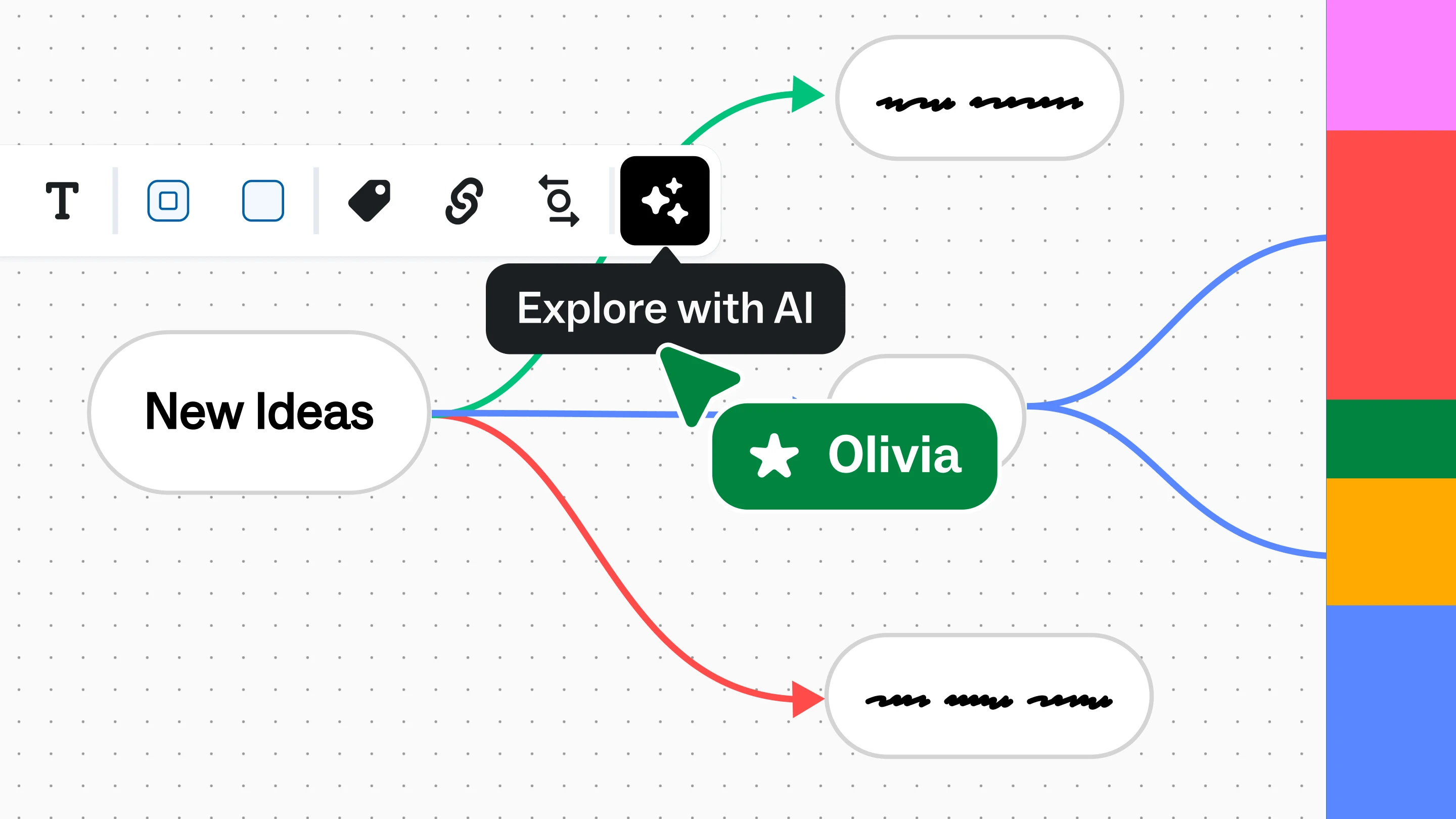
Create an online mind map in seconds with Mural’s AI-powered mind mapping software. Start with a central concept, then use the generate ideas capability to automatically add related nodes.
From there, expand any node for more suggestions, refine prompts for tailored results, and build out your map collaboratively. The more specific your starting idea, the more relevant your AI-enhanced mind mapping results.
Available on Team+, Business, and Enterprise Member plans. Chat with our team for more information.