
Collaborative Mind map maker Free mind map generator for faster decisions and better project outcomes
Start with one idea and branch out endlessly. Mural's free mind mapping tool makes collaborative brainstorming fast, visual, and structured.
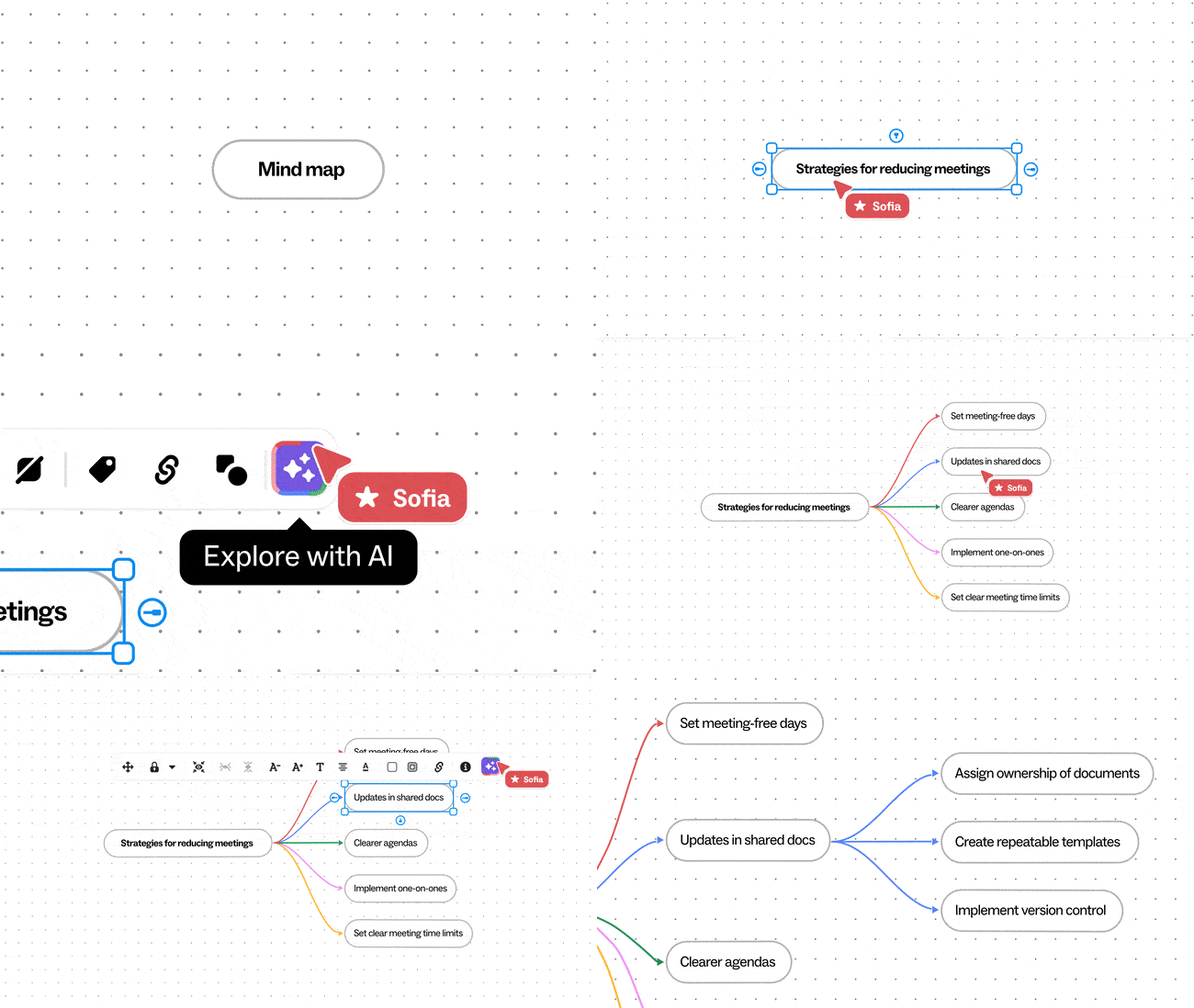


Collaborative mind mapping tool
Mind mapping in Mural gives teams a shared, visual space to turn complexity into clarity, making it easier to organize ideas, spot connections, and act faster.
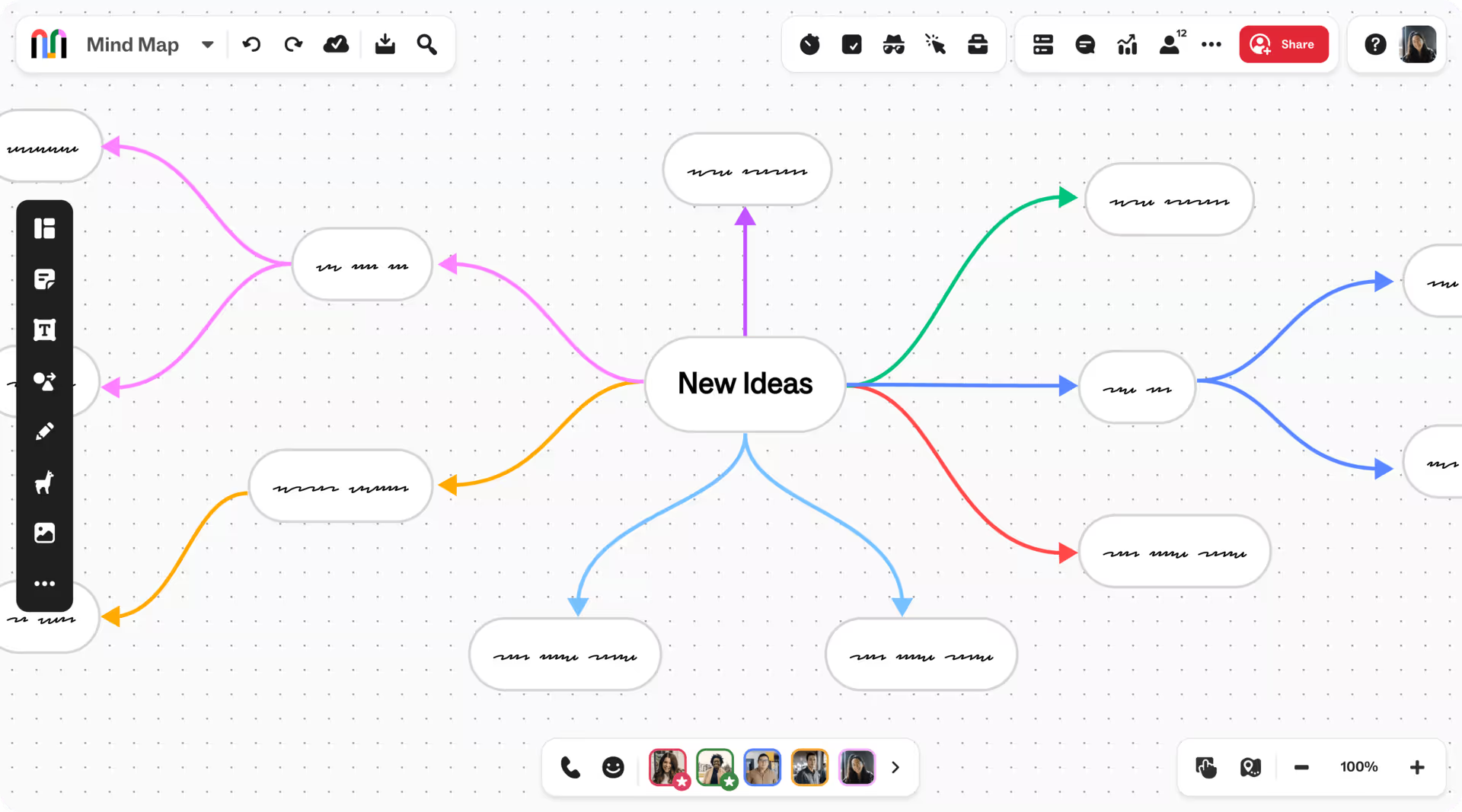
Simplify complex work with mind mapping
Use mind mapping to organize ideas, reveal connections, and align on priorities. The result: clearer strategy, faster decisions, and stronger outcomes.
Accelerate ideas with AI mind mapping
Instantly generate, cluster, and refine ideas with Mural AI. Spend less time organizing and more time driving insight, alignment, and action.
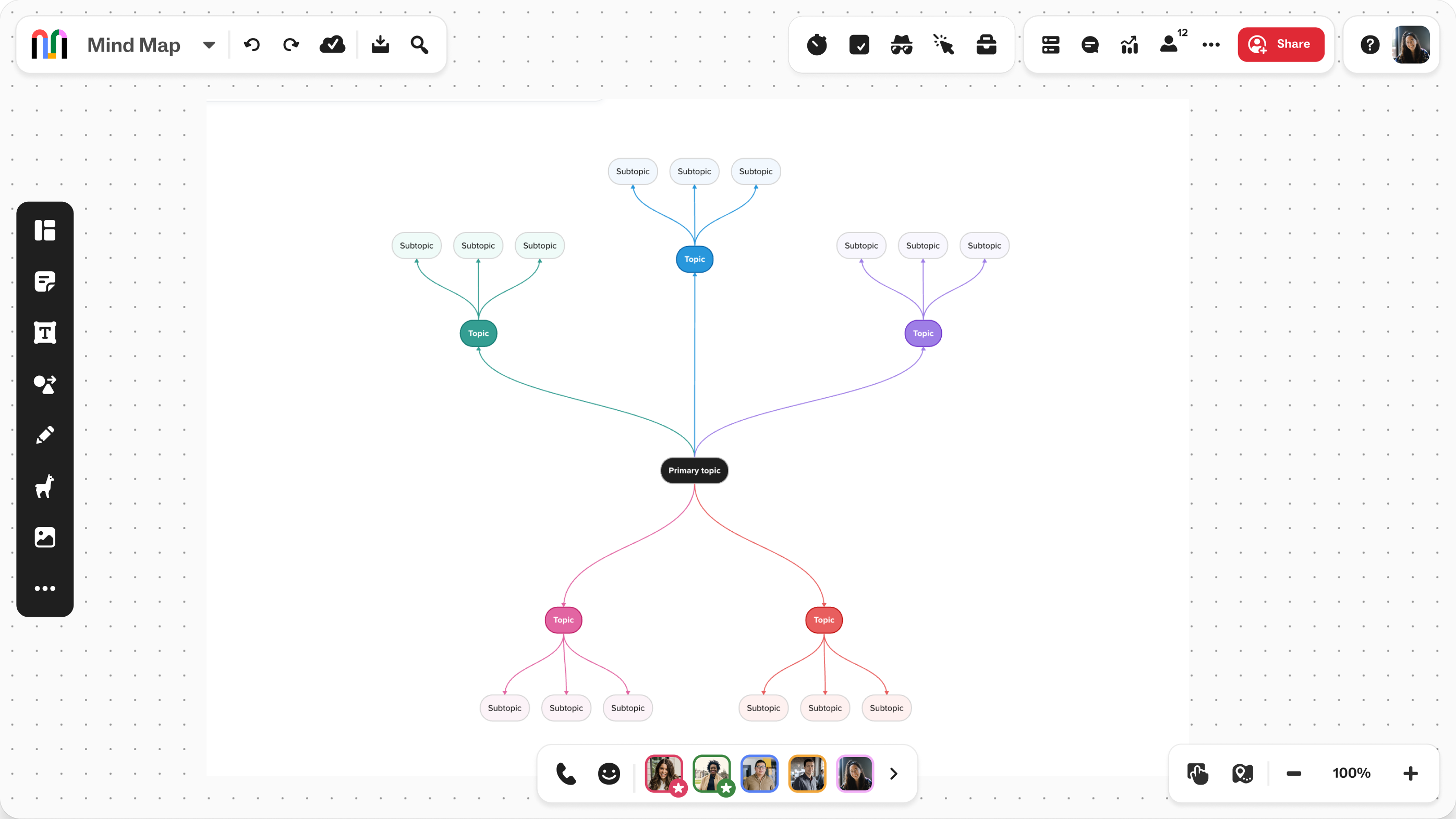
Align faster with visual collaboration
When teams can see the strategy in one shared space, alignment stays continuous. That means fewer misunderstandings, shorter cycles, and better results.
Mind mapping templates that your team can customize and share


FAQ
Is Mural's mind map tool free?
Yes. You can create mind maps for free with Mural's free plan, which includes unlimited murals and 3 editable murals at a time, and unlimited members and visitors. No credit card is required to sign up, and you can start collaborating directly in your browser with no download needed.
Does Mural use AI to help create mind maps?
Yes. Mural AI can generate mind map branches from a single idea, cluster sticky notes by theme, and summarize complex maps into concise outputs. You can go from a blank canvas to a structured, AI-generated mind map in minutes.
Do I need to download anything to use Mural's mind map maker?
No. Mural works entirely in your browser with no download or installation required. Sign up and start building your mind map immediately.
How is Mural’s mind map tool different from other mind mapping software?
Mural supports mind mapping within a broader AI-powered collaborative workspace. Teams can create mind maps with templates and flexible canvas options, then use the same workspace to brainstorm, prioritize ideas, facilitate discussions, and turn insights into action. This makes Mural especially useful when mind mapping is part of a larger team workflow—not a standalone activity.
Can I export my mind map from Mural?
Yes. You can export murals as PDF, PNG, or CSV. Mind maps can also be shared via a link with view-only or edit access. For teams using Microsoft 365, murals can be embedded directly in Teams or referenced from Outlook.


